Choose your device.
Choose TV, air conditioning or another available category. Search the brand and listed remote models.
 mezeey.
TR
 All ReControl
Turn down the volume. Find your next channel. Set your comfort. Bring compatible home-device remotes together in one easy-to-reach place.
In testing for AndroidContains ads and an optional one-time purchase to remove ads.
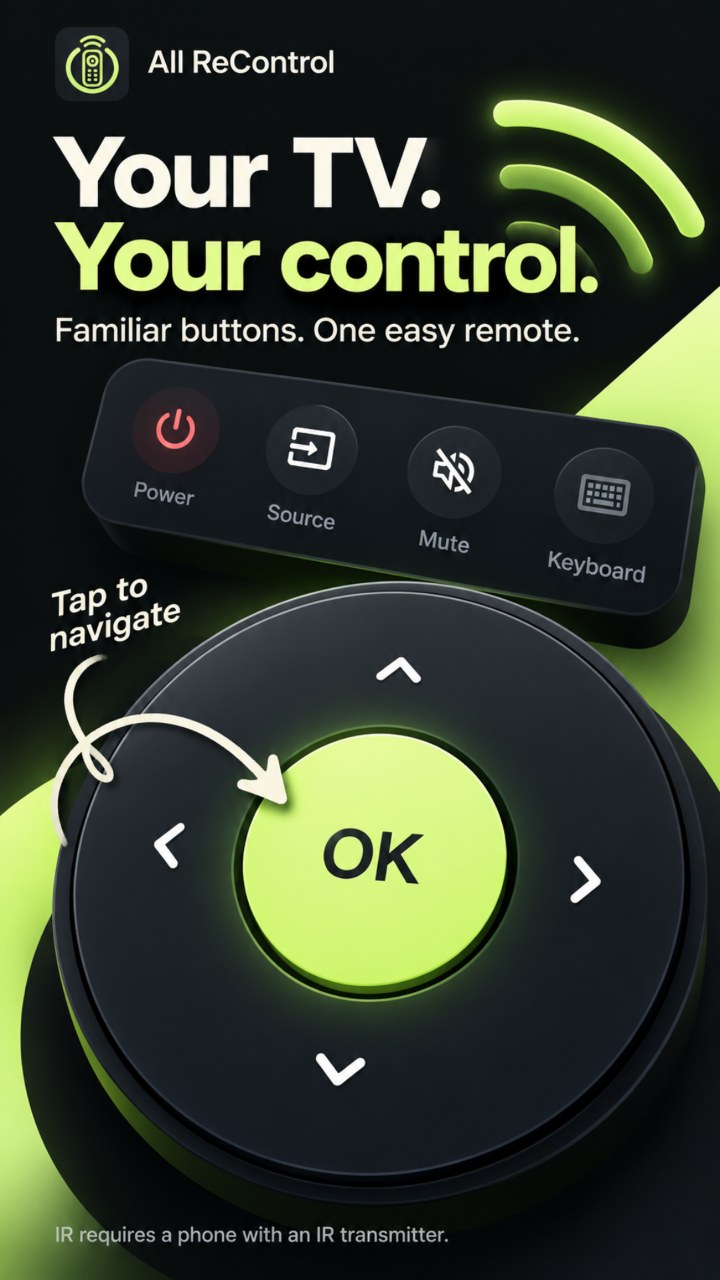
Choose TV, air conditioning or another available category. Search the brand and listed remote models.
For IR, point your phone at the device and test a profile. For Wi-Fi TV control, connect both devices to the same local network and approve pairing on the TV if asked.
Confirm a working IR remote to save it. Add favorites, name your rooms and remove old devices from their menus. No app account is needed.
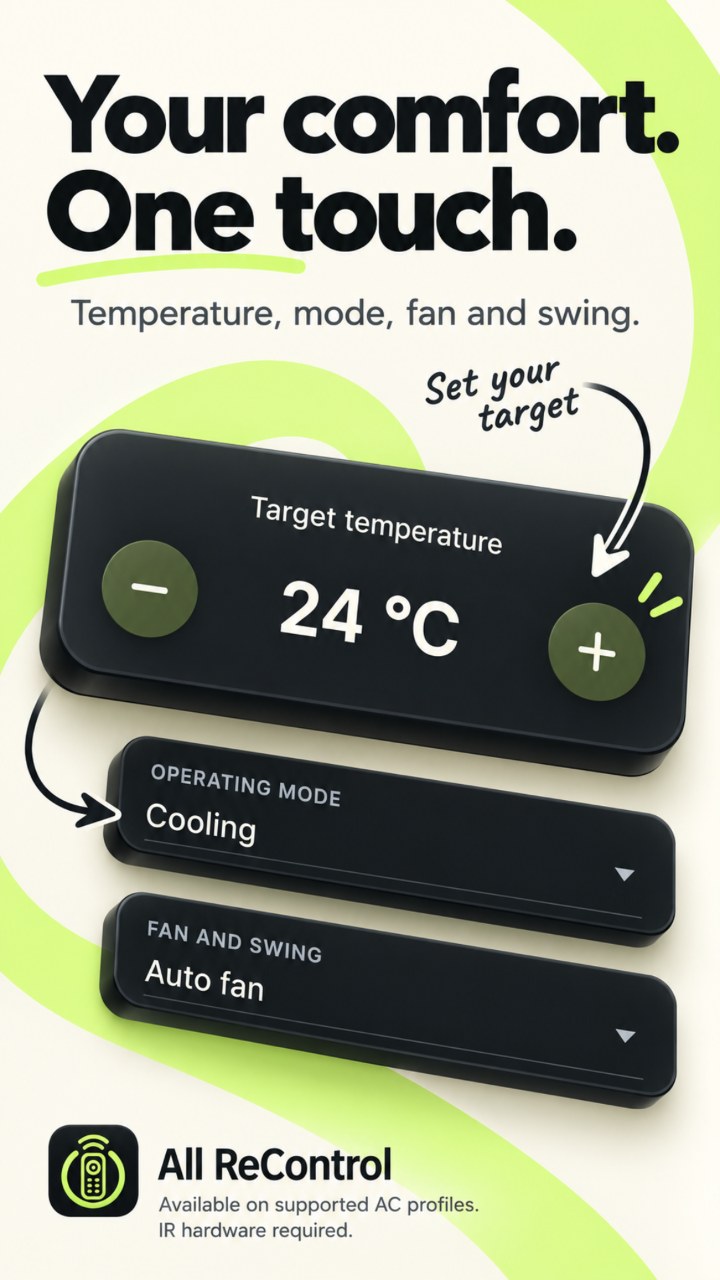
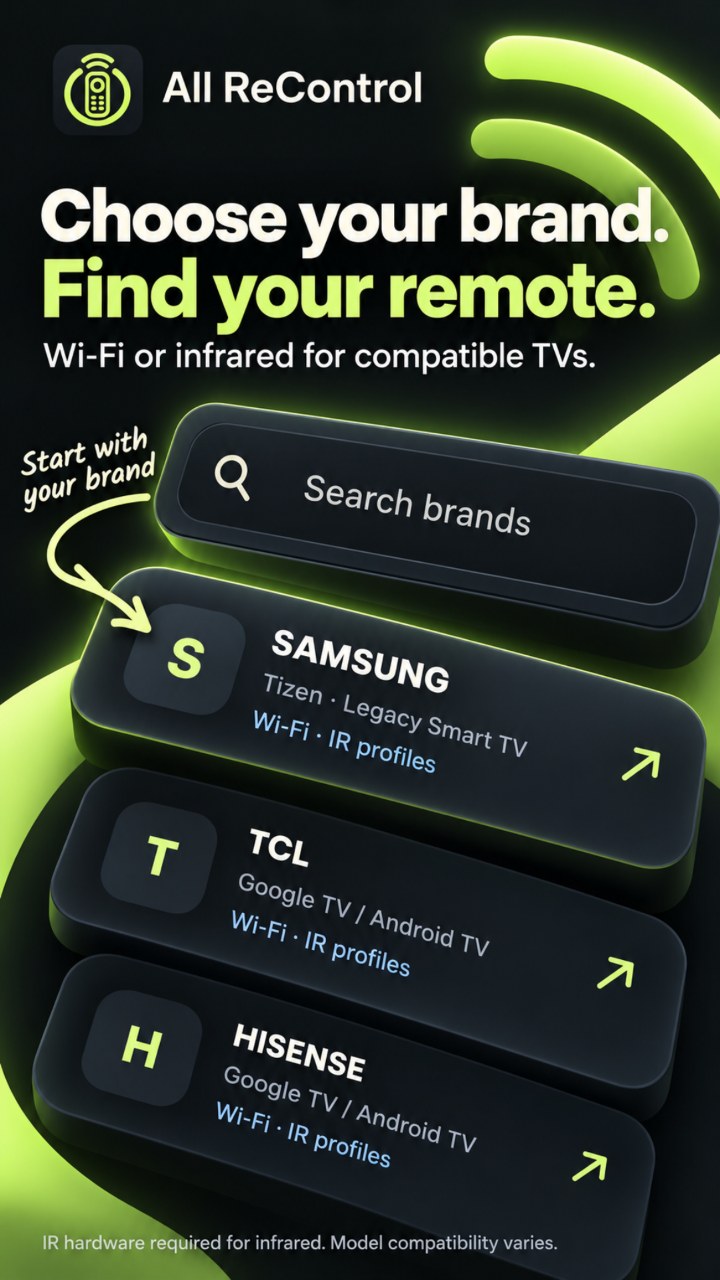
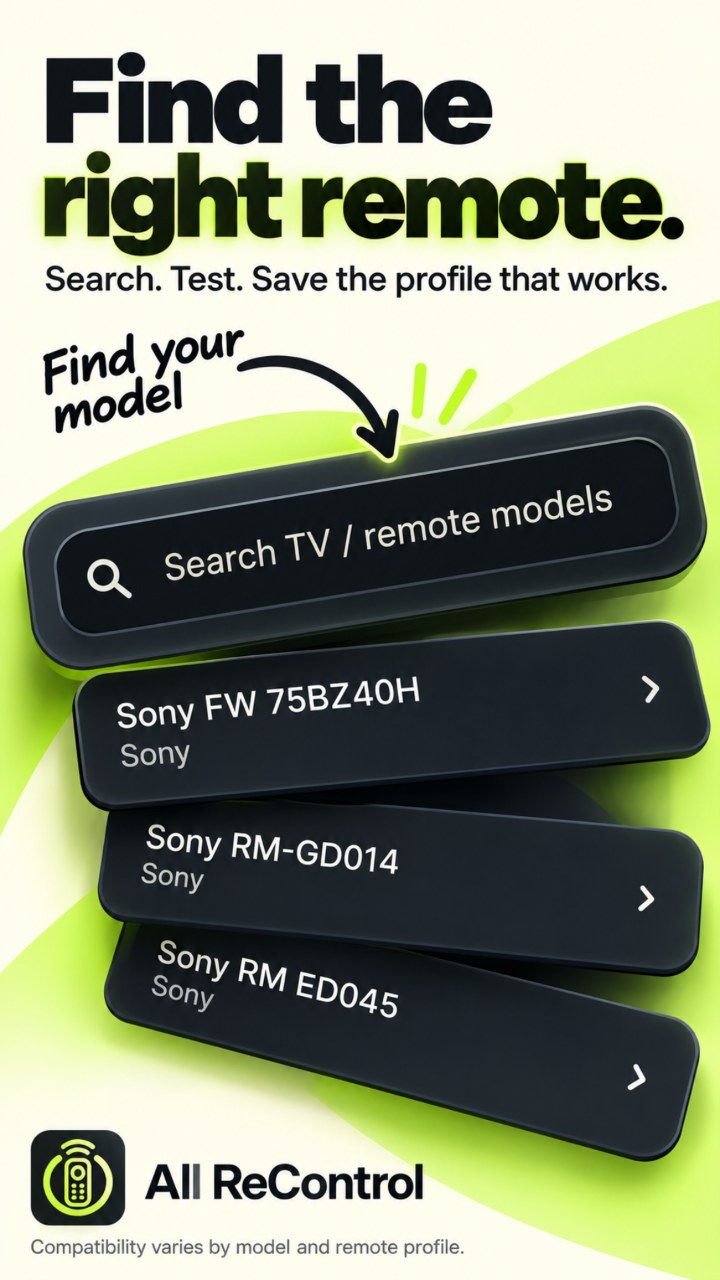
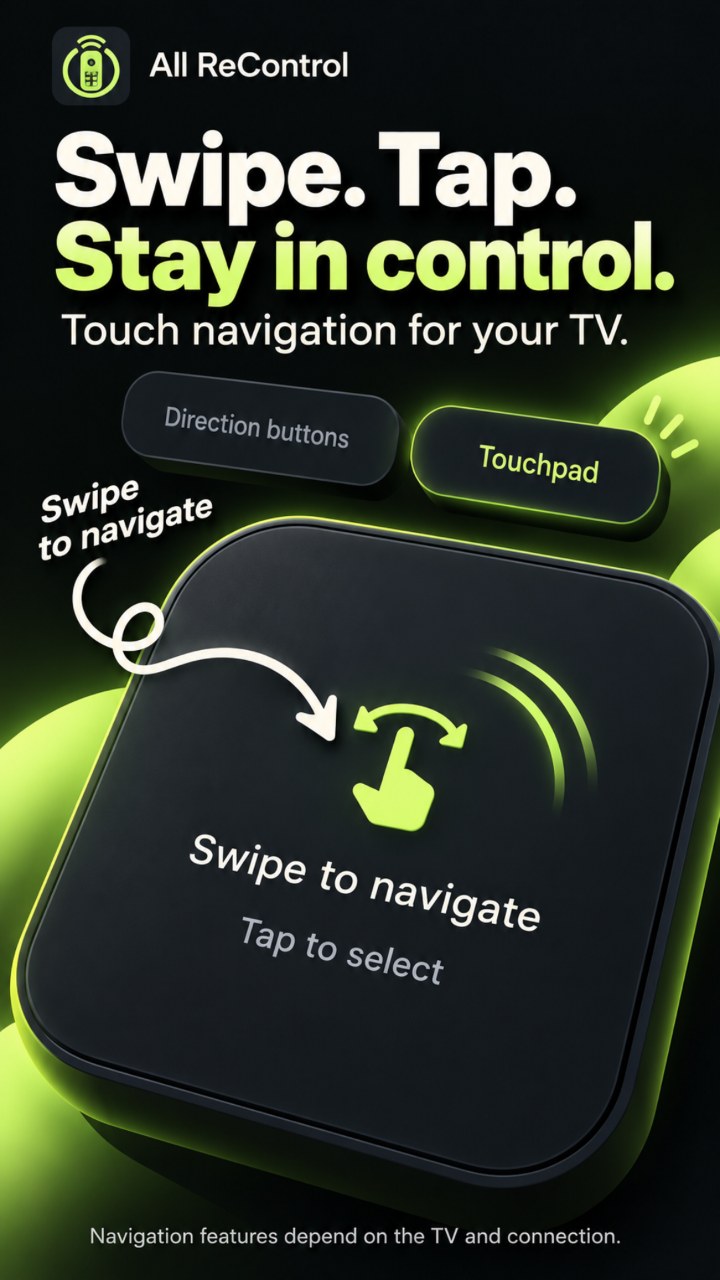
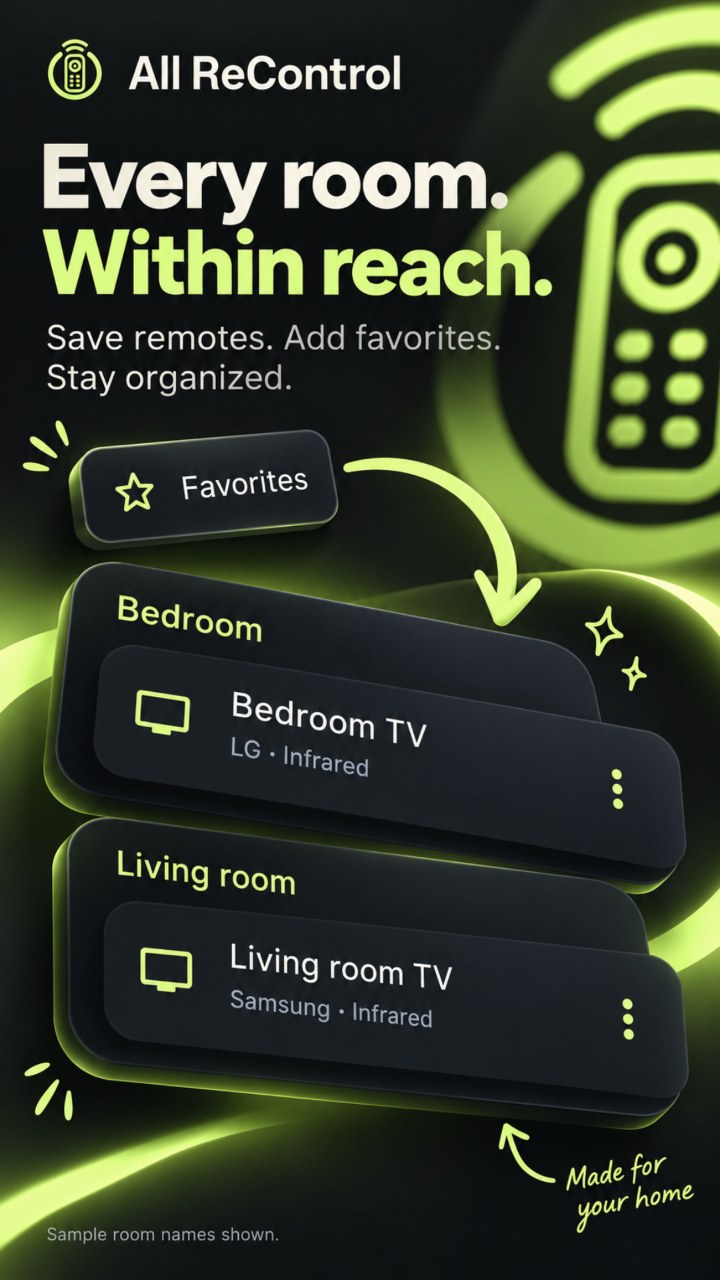
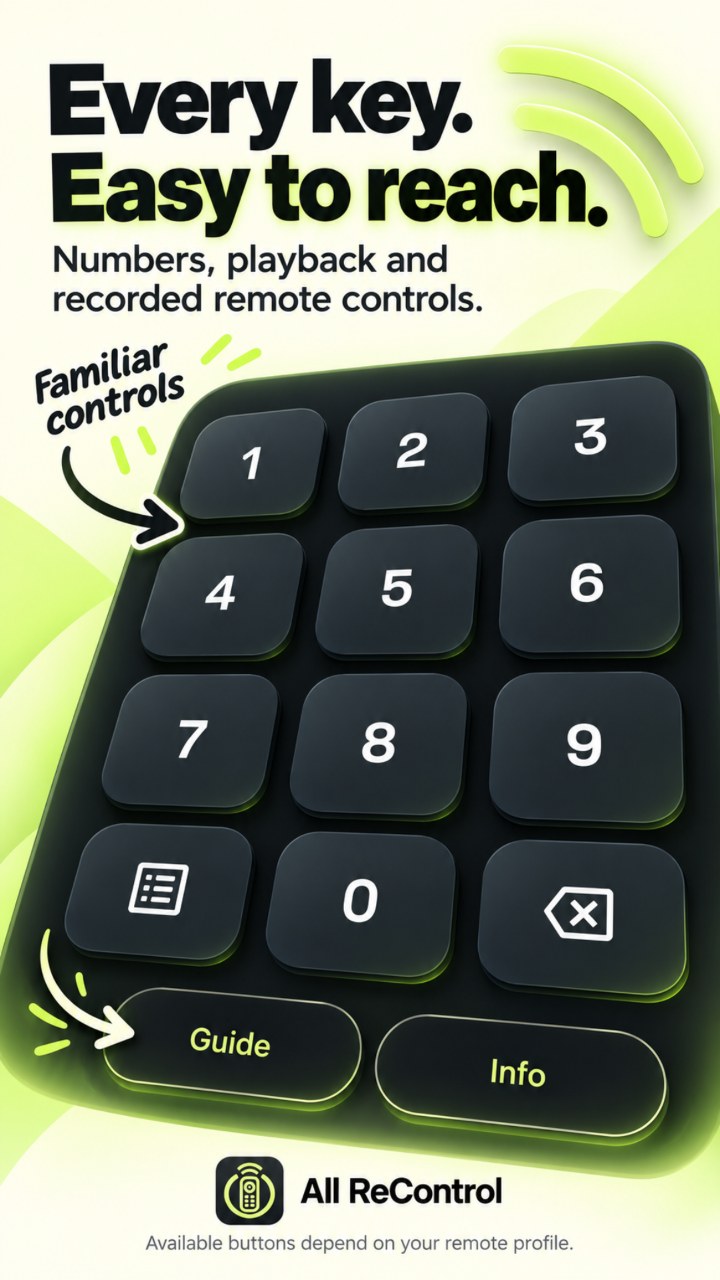
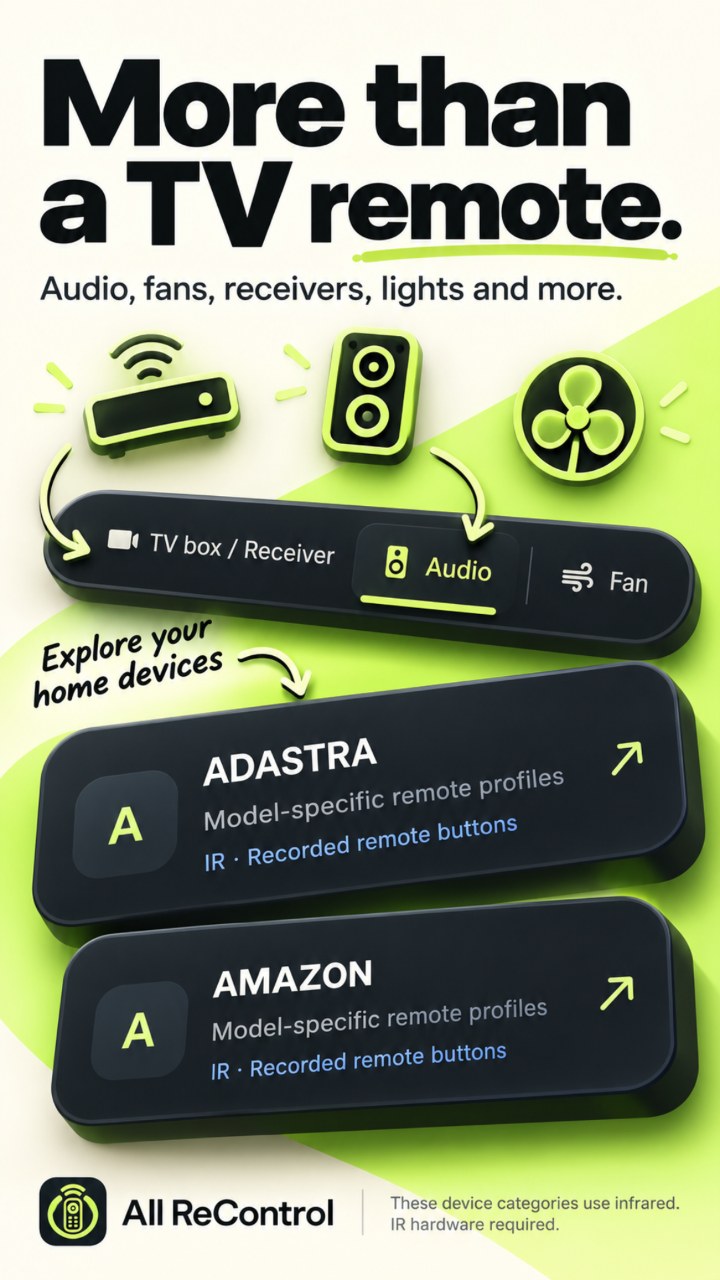
Promotional illustrations based on app features. Available controls depend on the device and remote profile.
Infrared requires a phone with a built-in IR transmitter. Wi-Fi requires a supported TV on the same local network. Air conditioners and other home-device categories use infrared.
Compatibility varies by brand, model and profile. Not every device or button is supported. IR cannot automatically identify your device or read its response; you confirm whether a tested command works. Pointer and browser behavior depend on the TV and connection. Climate values are target settings, not live temperature readings.
Saved remotes and pairing settings are stored on your phone. Read how advertising, optional purchases and purchase verification work in our privacy policy.
Read the privacy policy →Support & contact →All ReControl is an independent Mezeey app and is not affiliated with device manufacturers.